'Google Sheets User Access Management System – Work-Based Sheet Control'
SJY PROJECT
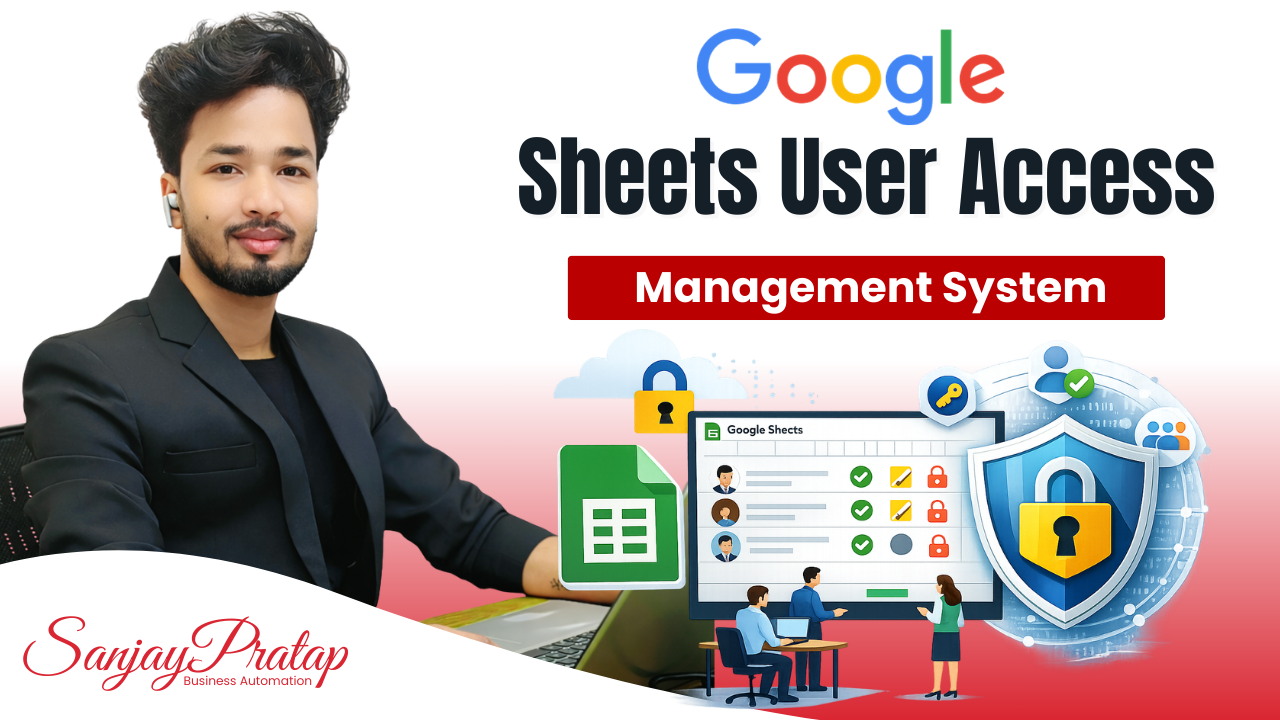
Google Sheets User Access Management System
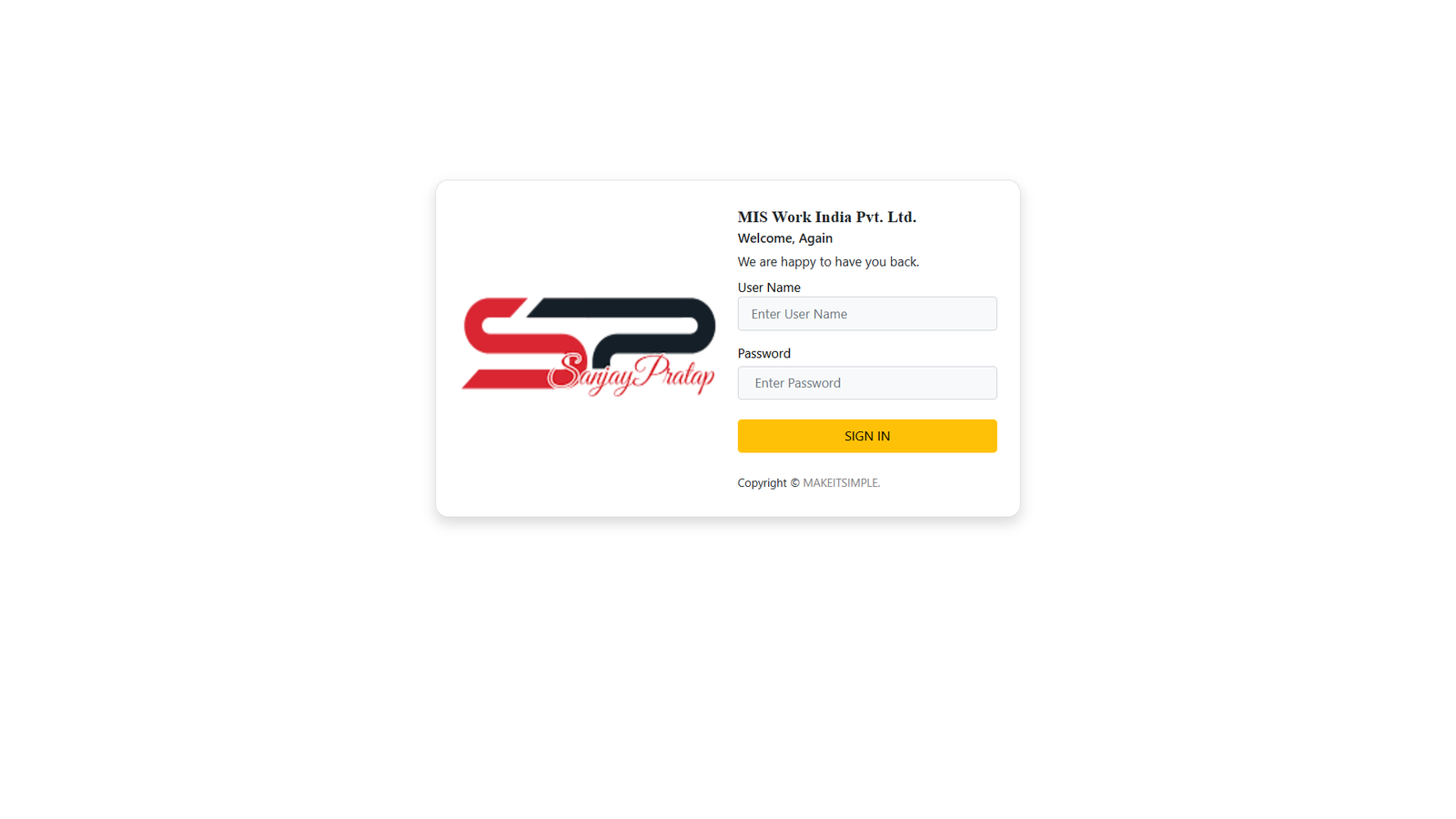
A secure and centralized Google Sheets User Access Management System that provides work-based and department-wise access control. Each user logs in with assigned credentials and sees only the Google Sheets relevant to their role through an automated, clickable dashboard.
Project Description
Smart Access Control for Your Google Sheets
Now every user sees only the sheets they need — no extra access, no confusion, no data risk.
This system ensures controlled visibility, better data security, and a clean workflow across teams.
Common Problems Businesses Face
Challenges with Manual Sheet Sharing
Many businesses struggle with:
1. Users getting access to the wrong Google Sheets
2. Difficult manual sharing and permission management
3. High risk of data leakage
4. Time wasted searching for required sheets
Our Automated Access Management Solution
Centralized & Secure Sheet Access System
We have developed an advanced system in Google Sheets that includes:
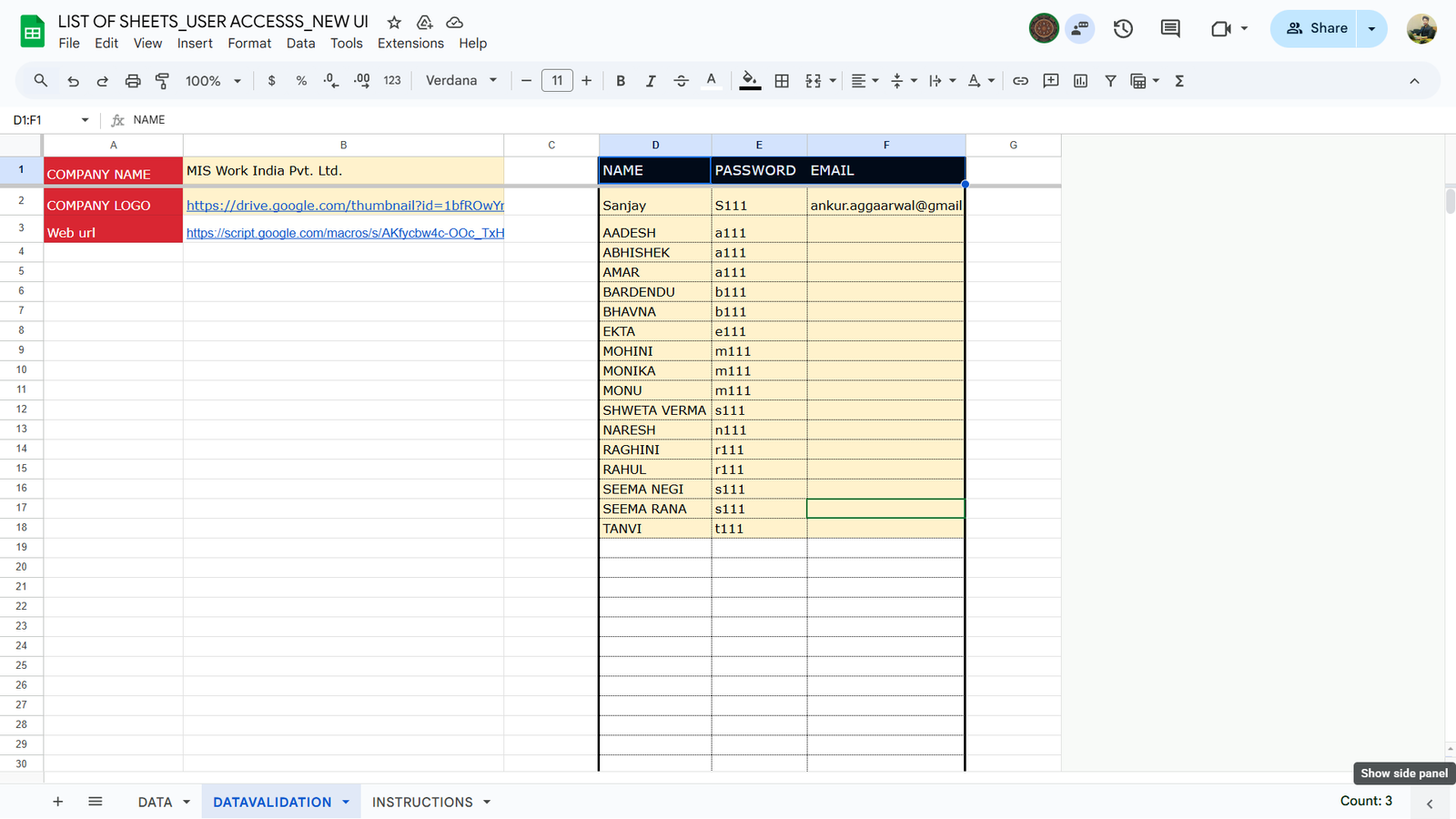
1. User-wise ID & password login system
2. Department and work-based sheet mapping
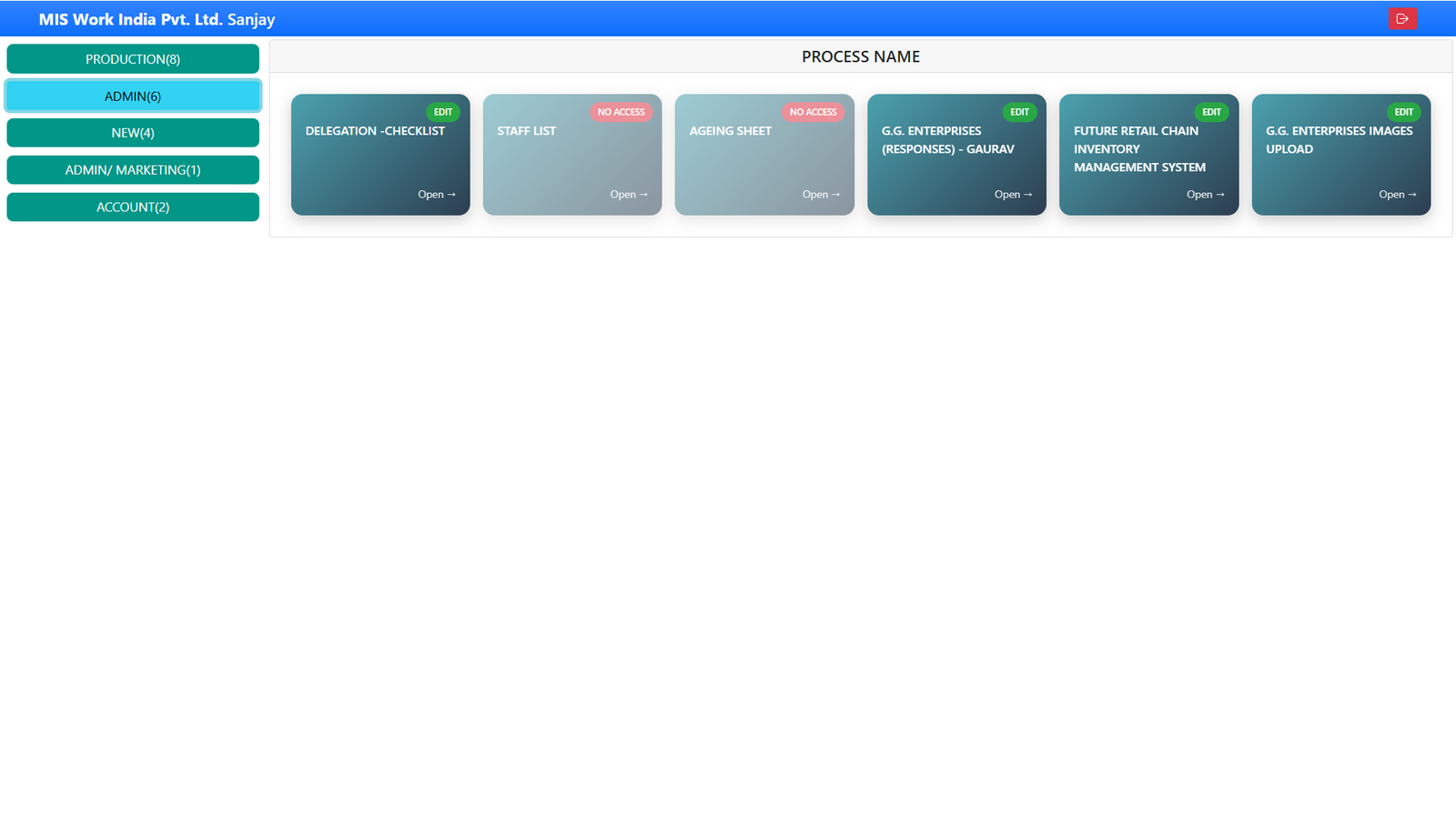
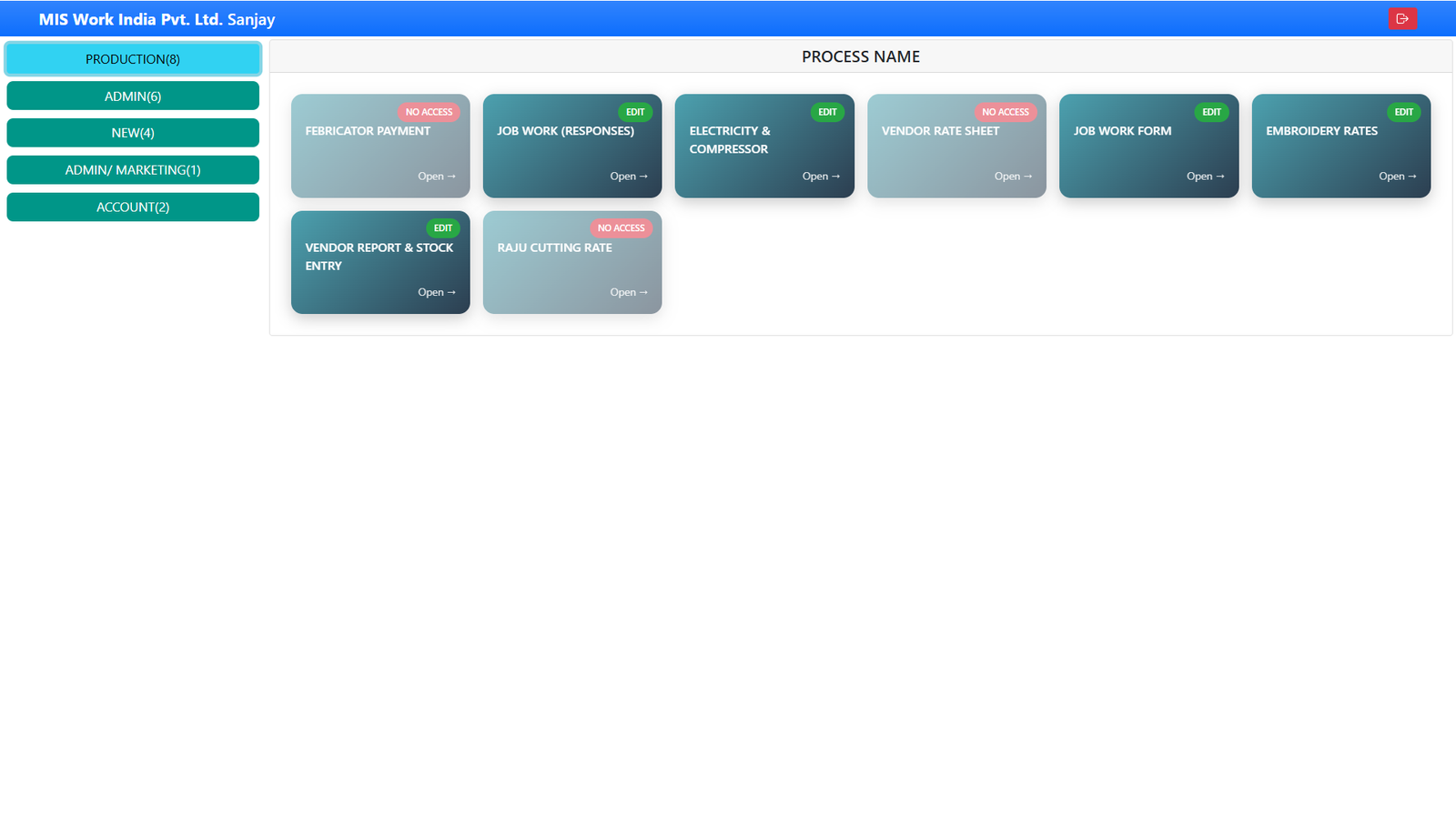
3. Auto-generated dashboard after login
4. Clickable hyperlinks for allowed sheets only
No manual sharing. No confusion.
How the System Works
Admin Control Panel
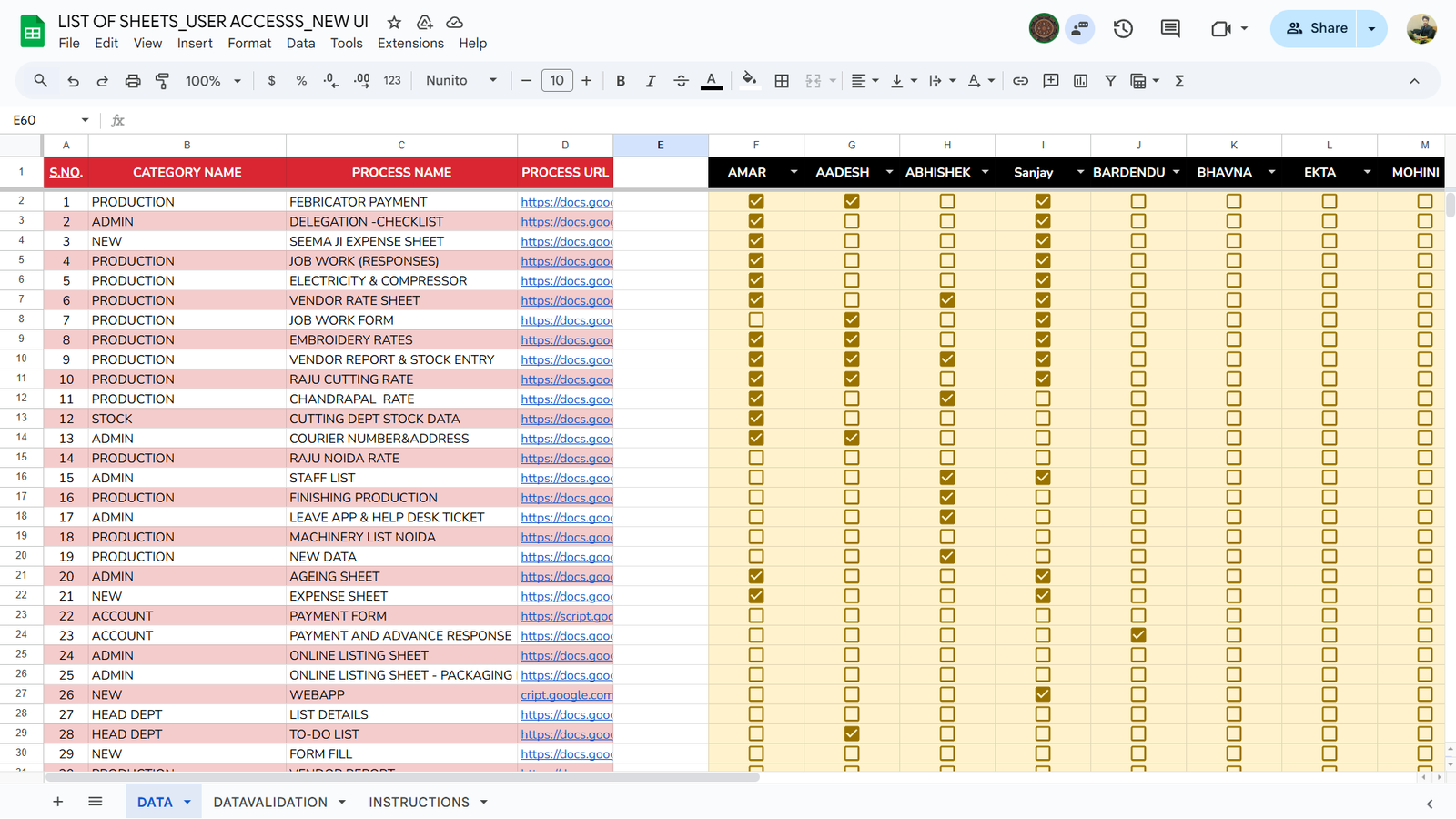
The admin manages everything from a central Google Sheet:
1. Create user IDs & passwords
2. Assign department, process, and sheet URLs
3. Enable or disable access using simple checkboxes
User Login & Dashboard View
1. User logs in with assigned credentials
2. Only department-specific and role-based sheets are visible
3. Sheet names appear with auto-generated hyperlinks
One-Click Sheet Access
Users can open their required Google Sheets instantly with one click — saving time and improving productivity.
Key Features
1. Secure user login system
2. Department-wise access control
3. Work-based sheet visibility
4. Automated hyperlink dashboard
5. No manual sharing required
6. Fully automated in Google Sheets
7. Easy to manage and scalable
Who Is This System For?
1. Small & Medium Businesses
2. Accounts, Sales, HR & Operations teams
3. MIS Executives
4. Business owners using Google Sheets
5. Organizations with multiple departments
Business Benefits
1. Improved data security
2. Time saving (no sheet searching)
3. Organized and clean workflows
4. Faster team productivity
5. Centralized access control
Technology Used
1. Google Sheets
2. Google Apps Script
3. Automated access logic
4. Role-based mapping system
Want This System for Your Business?
If you want a customized Google Sheets User Access Management System designed according to your business workflow, we build and deploy it for you.
👉 Book a Demo
👉 Contact Now
About the Creator
Sanjay Pratap – MIS Automator
Google Sheets & Business Automation Expert
Helping businesses build smart systems without complex software.
Project Related images