'Google Drive to Google Sheets Automation – Real-Time Data Sync Solution'
Delegation System
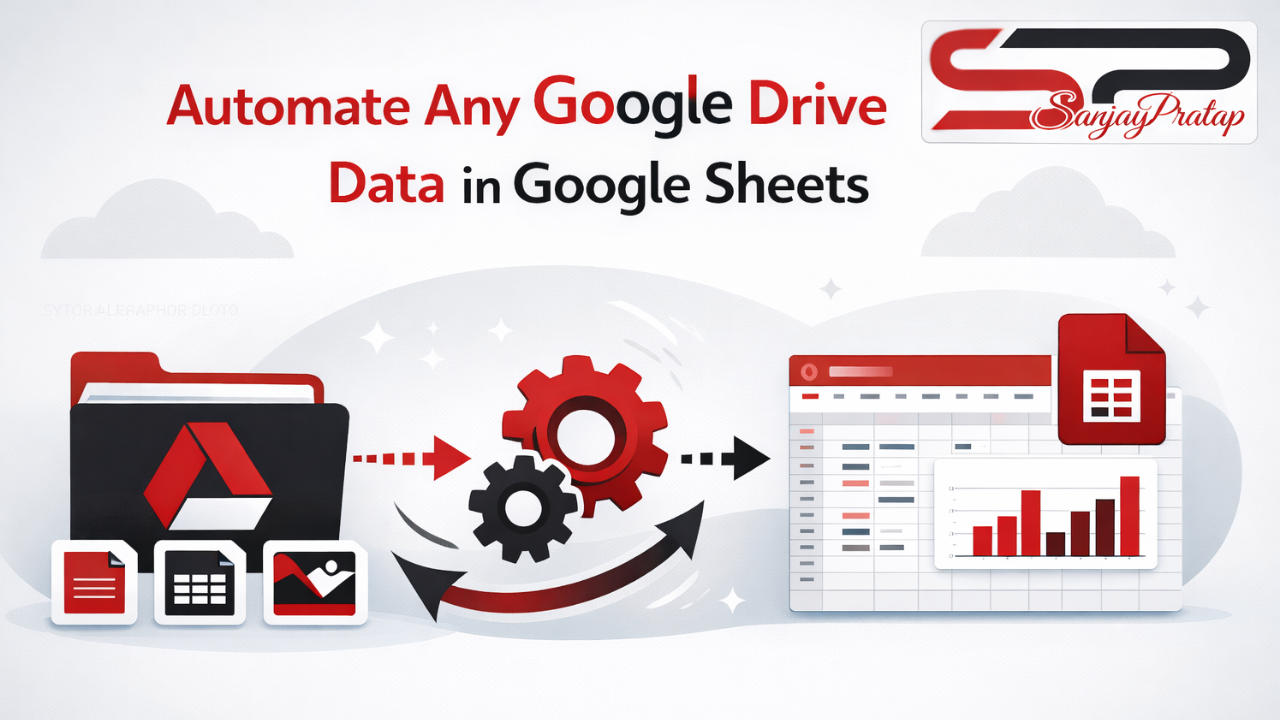
Google Drive to Google Sheets Automation with Real-Time Sync
Automate any Google Drive data directly into Google Sheets with real-time syncing, smart tracking, and automated reporting. Eliminate manual work and manage files, folders, and Drive data effortlessly using powerful Google Workspace automation.
Project Description
Why Automate Google Drive Data?
Managing Google Drive data manually is time-consuming and error-prone. Tracking files, folders, ownership, access, and updates across multiple Drive locations becomes difficult as your business grows.
Our Google Drive to Google Sheets Automation Solution automatically captures and organizes all Drive data into a structured Google Sheet—giving you full visibility and control without manual effort.
What Can You Track Automatically?
Complete Google Drive Data Capture
This automation can track:
1. File & folder names
2. Folder structure
3. Owner & shared users
4. Upload & modified dates
5. File sizes & types
6. Activity logs & changes
All data stays updated automatically.
How the Automation Works
Powered by Google Apps Script
Using Google Apps Script, we build custom automation systems that:
1. Fetch data from any Google Drive folder
2. Sync changes in real time or on a fixed schedule
3. Auto-update new, modified, or deleted files
4. Maintain a clean and structured Google Sheet
Automated MIS Reports & Dashboards
1. Auto-generated MIS reports
2. Interactive dashboards in Google Sheets
3. Filters, alerts, and data validation
4. Easy data analysis and decision-making
Team Collaboration & Access Control
1. Control who can view or edit Drive data
2. Monitor file access and ownership
3. Improve accountability and compliance
Key Benefits of Google Drive Automation
1. 100% automated data syncing
2. Zero manual data entry
3. Real-time & scheduled updates
4. Custom reports and dashboards
5. Reduced errors and better control
6. Scalable for any business size
Who Should Use This Solution?
This automation is ideal for:
1. Business owners
2. MIS executives
3. Operations teams
4. HR & accounts teams
5. IT admins & system managers
6. Growing organizations using Google Workspace
Why Choose Our Google Drive Automation Solution?
We design custom, scalable, and secure Google Workspace automations that fit your business needs. Our solution helps you save time, reduce operational errors, and gain complete visibility over your Google Drive data.
Ready to Automate Your Google Drive Data?
Stop managing Drive data manually. Let automation do the work for you.
👉 +91 8576086726
Project Related images