'Google Drive Monitoring System – Folder & Access Audit in Google Sheets'
SJY PROJECT
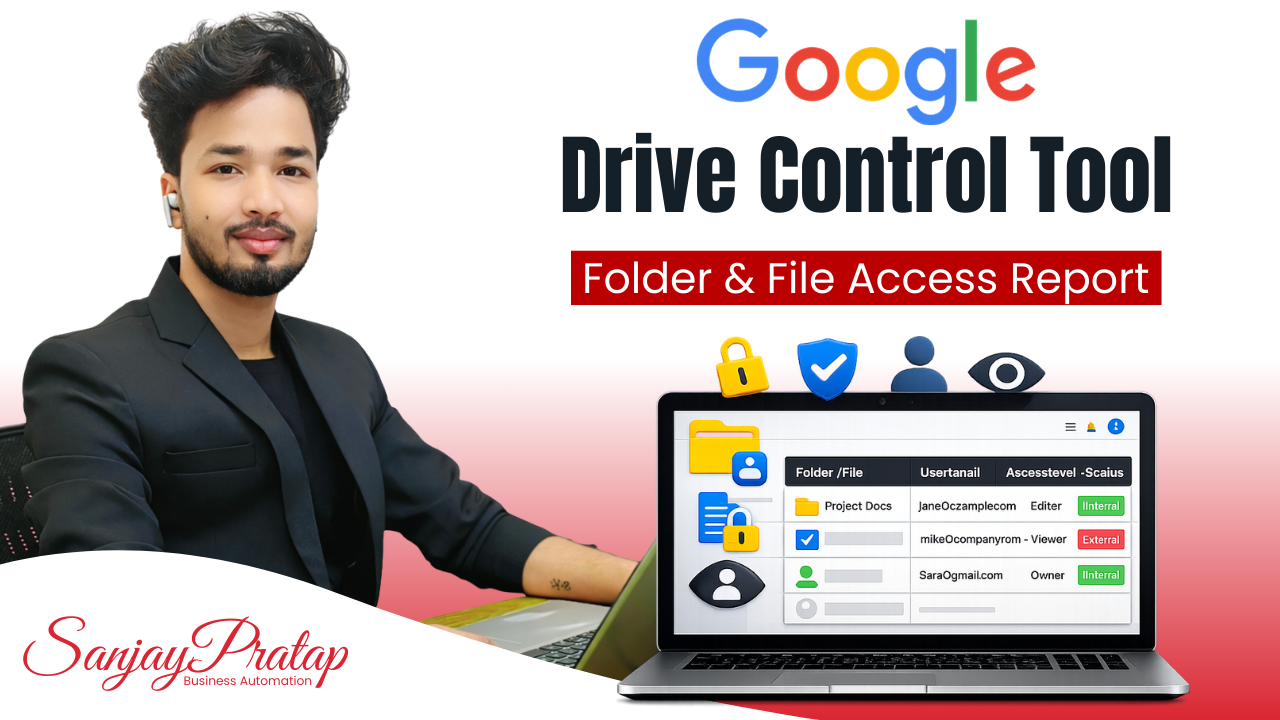
Google Drive Monitoring System with Complete Access Visibility
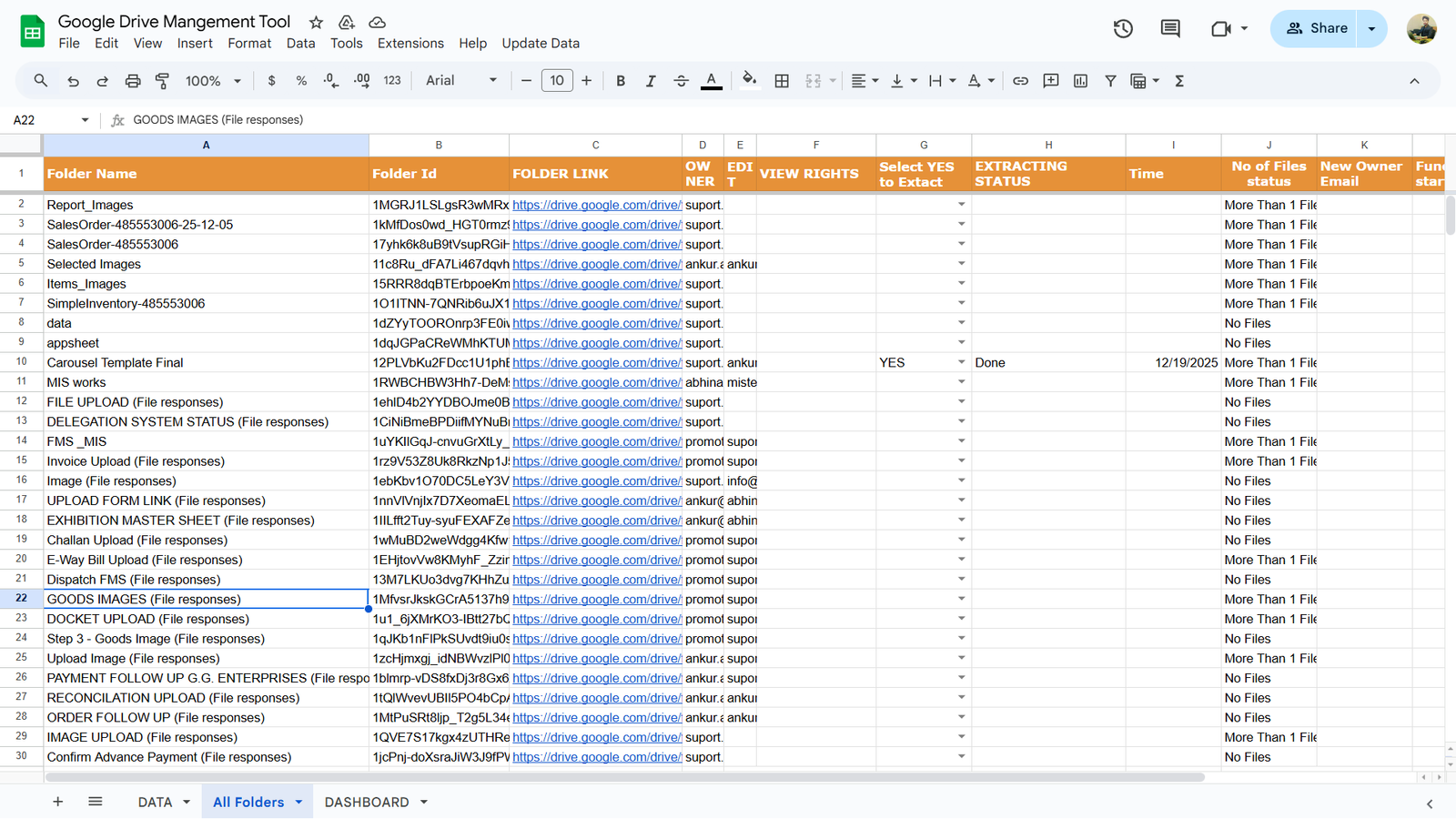
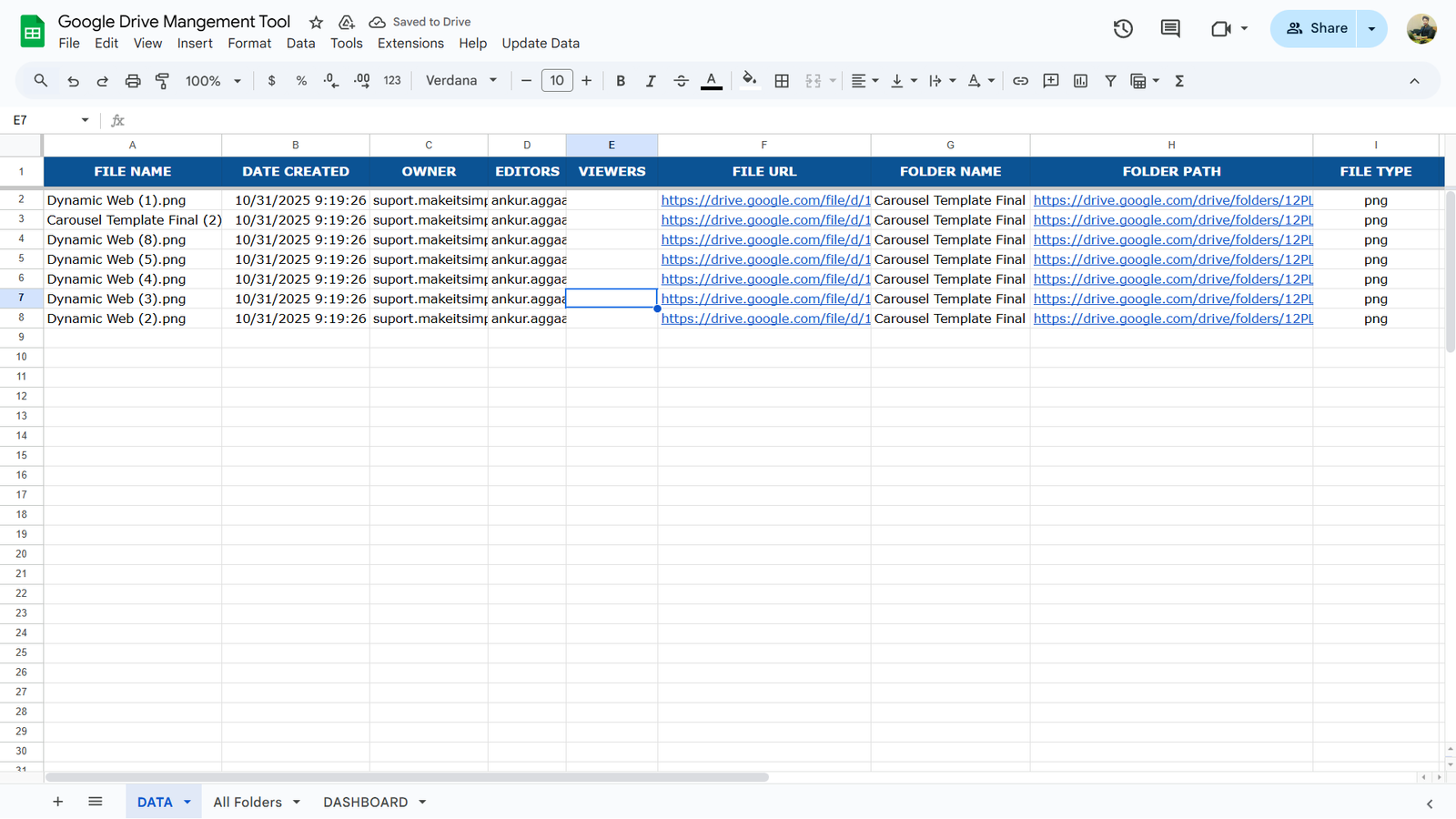
A fully automated Google Drive Monitoring System that captures all folders and files from your Google Drive and updates them in a structured Google Sheet. Easily track folder sharing, user access levels, ownership, and file details — all from one centralized dashboard.
Project Description
The Problem with Manual Google Drive Monitoring
As businesses grow, Google Drive becomes cluttered with folders, files, and shared access. Most organizations face issues like:
1. No clear visibility of who has access to which folder
2. Difficulty tracking View, Comment, or Edit permissions
3. High risk of data leakage and unauthorized access
4. Manual checking that wastes time and causes errors
Our Automated Google Drive Monitoring Solution
Centralized Google Sheets-Based Monitoring
We have developed a Google Sheets based automated system that continuously scans your Google Drive and updates all data in real time using Google Apps Script.
You get complete control and transparency over your Drive data in one single Google Sheet.
How the System Works
Automatic Drive Scanning
1. Scans all Google Drive folders automatically
2. Extracts folder and file data in real time or on schedule
3. No manual effort required
Auto-Updating Google Sheet Dashboard
1. Folder name & folder ID
2. Ownership details
3. Sharing status
4. User-wise access rights (View / Comment / Edit)
5. Complete file listing inside each folder
All information is stored in a clean, structured Google Sheet.
What Data You Can Track
Folder & Sharing Details
1. Folder name and unique folder ID
2. List of users with whom the folder is shared
3. Exact access level of each user
File-Level Visibility
1. All files inside each folder
2. File ownership and sharing status
3. Clear mapping between folders and files
Key Benefits of the Google Drive Monitoring System
1. Complete Google Drive visibility
2. Improved data security & access control
3. Ideal for audit and compliance needs
4. No manual checking or tracking
5. Time-saving and error-free monitoring
6. Centralized control in Google Sheets
Who Is This System For?
This solution is ideal for:
1. Business owners
2. MIS & reporting teams
3. IT admins
4. Operations teams
5. Companies handling sensitive data
6. Google Workspace users
Technology Used
1. Google Drive
2. Google Sheets
3. Google Apps Script
4. Automated data extraction logic
Want Complete Control Over Your Google Drive?
If you want a customized Google Drive Monitoring & Access Audit System designed according to your business workflow, we build and implement it for you.
Project Related images